Stock Reconciliation
Stock Reconciliation: Turn Holdings Data into Clear, Reviewable Evidence
Reconciling broker statements against an internal ledger or compliance list is too often a slow cycle of spreadsheets, copied values, and manual checks. A small difference can be difficult to trace, while a formatting change from one broker can add hours to the next reporting period.
Stock Reconciliation brings that work into one focused, native app for iPhone, iPad, and Mac. Import the records you already receive, confirm what was extracted, run a transparent comparison, investigate exceptions, and create a report that preserves the evidence behind the result.
Built for the People Who Need to Explain Every Difference
Compliance analysts, portfolio operations teams, back-office specialists, and family offices all need more than a headline match percentage. They need to know which records were compared, why a position matched, where a quantity differs, and what remains unresolved.
Stock Reconciliation keeps the analyst in control throughout the workflow. Automatic extraction and matching accelerate repetitive work, while review steps make sure that uncertain data never quietly becomes an accepted result.
Bring Broker and Internal Records Together
Import broker statements and financial or compliance records in PDF, CSV, or XLSX format. On iPhone and iPad, paper statements can also be captured with the document scanner or selected from Photos.
Text-based documents are read directly. Scans and photographs use on-device text recognition. Before reconciliation, extracted identifiers, names, quantities, and source roles remain available for confirmation and correction. Reusable Broker Format Profiles retain successful column mappings, reducing setup when the next statement arrives in the same format.
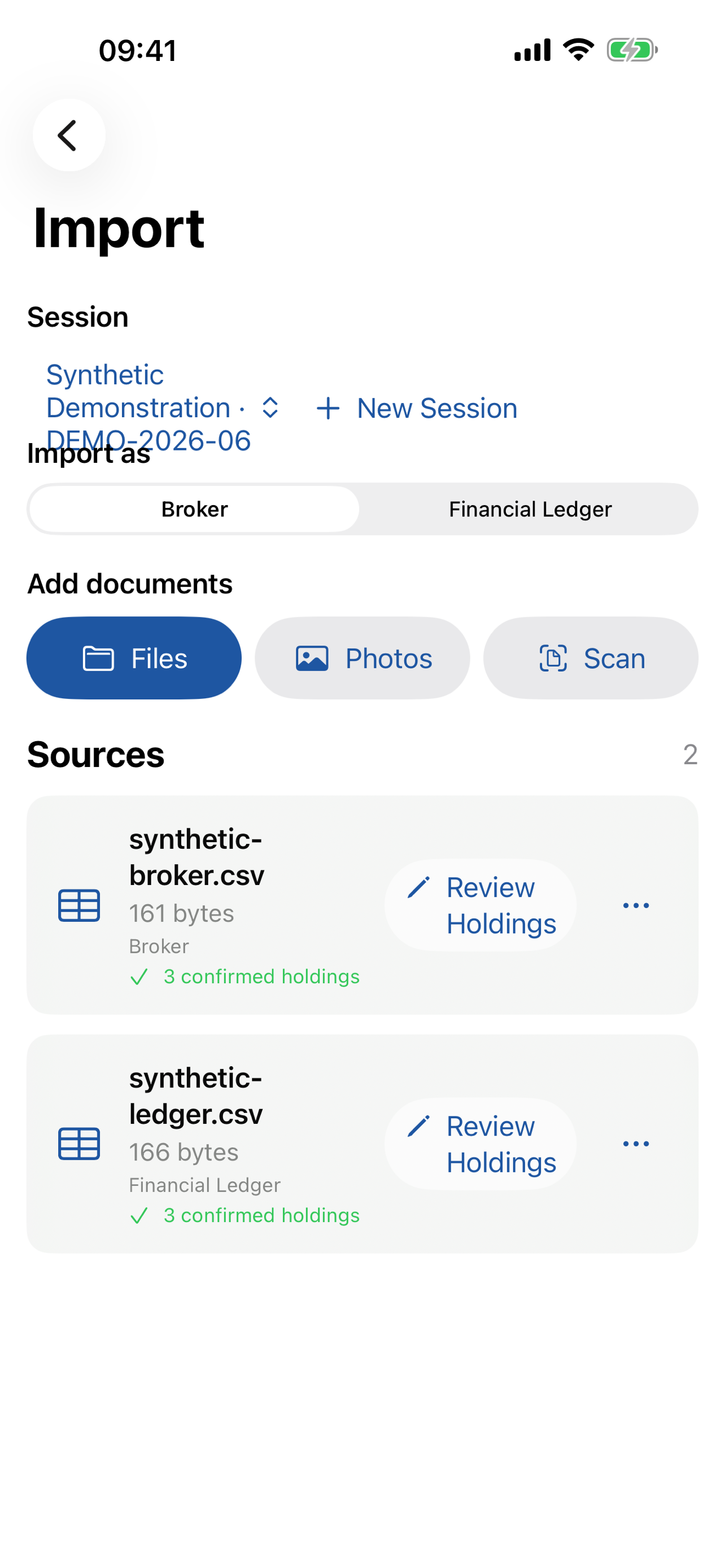
Confirm each source and its extracted holdings before reconciliation begins.
Reconcile Financial and Compliance Workflows
Financial sessions compare holdings and quantities using configurable absolute or percentage tolerances. Compliance sessions focus on security identity and ownership information when a quantity comparison is not applicable.
The matching engine prioritises validated identifiers such as ISIN and CUSIP, then applies controlled fallbacks for ticker and reviewed standing data. Exact matches, quantity variances, Broker-only positions, and Ledger-only positions remain clearly separated. Similar-name suggestions stay advisory until an analyst explicitly accepts them.
Manual match groups support real operational cases where one internal position corresponds to several broker lots or accounts. Confirmed decisions are reversible and remain visible in the audit trail.
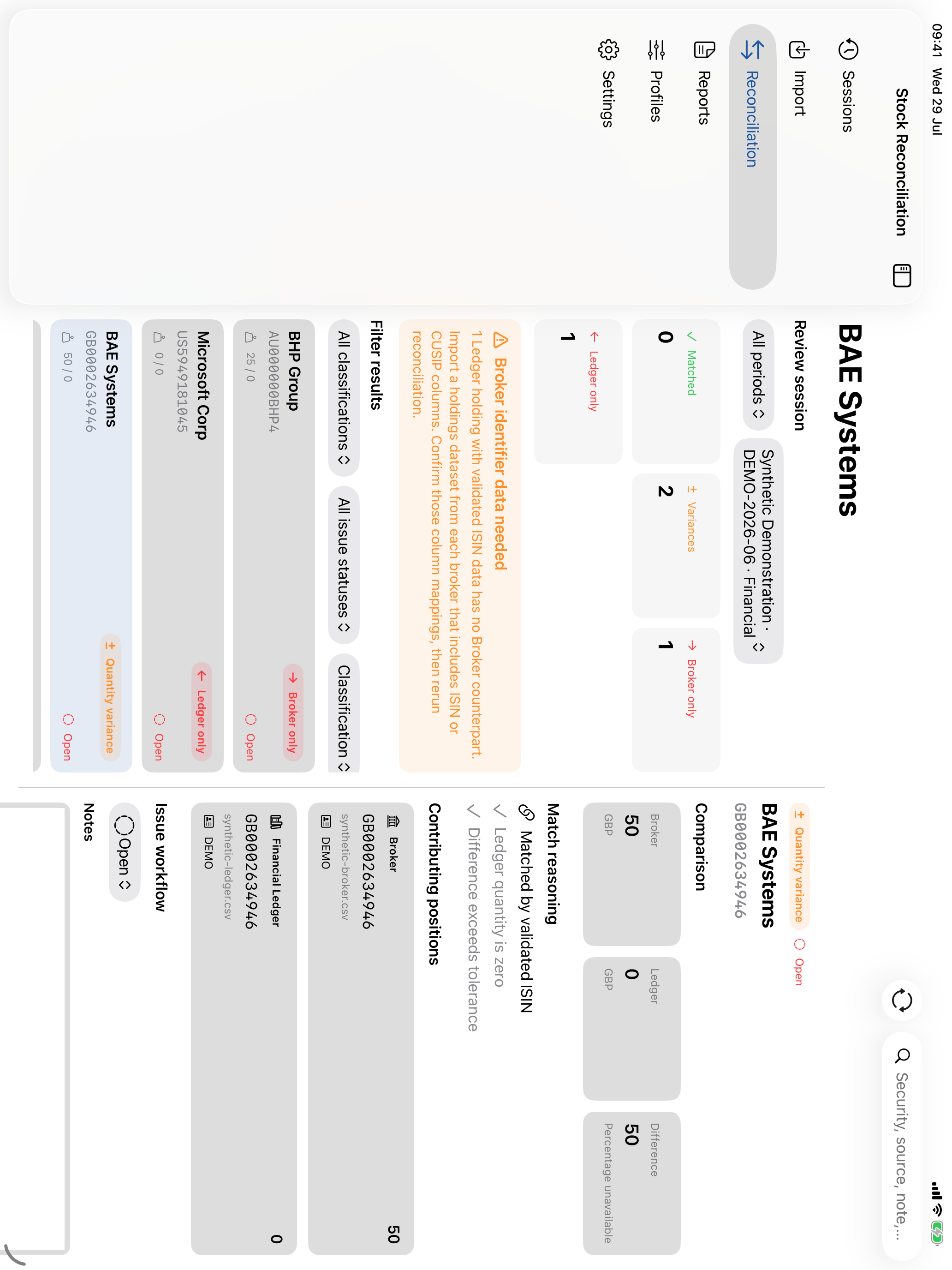
Filter the shared summary and results list to focus on the differences that need attention.
Investigate Exceptions Without Losing Context
Every result keeps its connection to the source evidence. Reviewers can search and filter results, inspect both sides of a comparison, assign an issue status, and add notes or a deliberately retained excerpt.
Source holdings can be corrected later without repeating OCR or column mapping. Saving a correction invalidates outdated reconciliation results, helping prevent an old conclusion from being reported after its inputs have changed.
Create Reports Locally
Generate CSV or formatted PDF reports for review, audit support, or further analysis. Reports include session details, classification summaries, result evidence, and investigation notes. The app presents the report before the standard Apple share or save flow lets the user choose its destination.
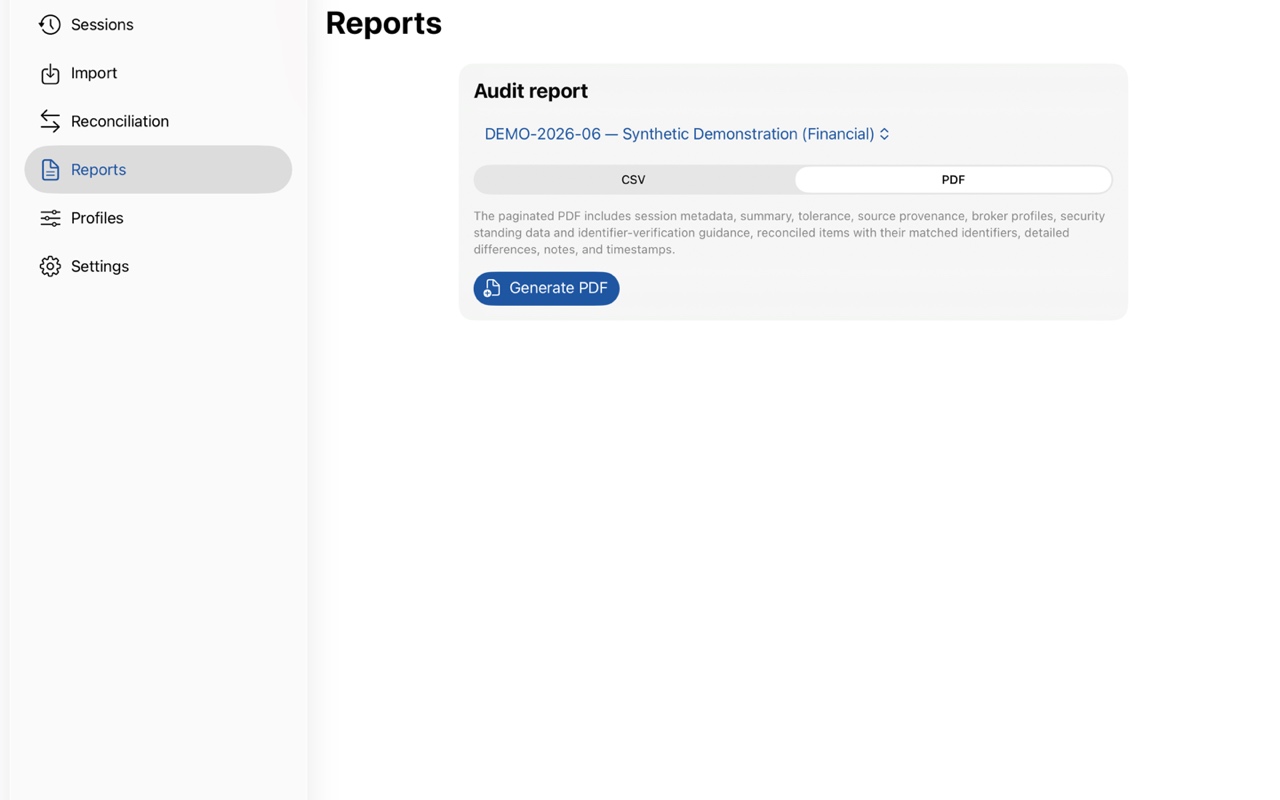
Create a reviewable audit report from the same reconciled session on Mac.
Make the Next Reporting Period Easier
Sessions organise each monthly or periodic reconciliation and preserve its sources, results, and decisions. Previous sessions can be searched, reopened, renamed, archived, or duplicated for a new period.
Duplicating a session carries forward useful configuration, including tolerance settings and a linked Broker Format Profile, without copying old documents, holdings, or issue decisions. Each new period starts clean while retaining the knowledge that makes recurring work faster.
Privacy by Design
Financial documents are sensitive, so extraction, OCR, matching, and report generation run on the device. Protected local copies support offline work, and the developer does not operate a financial-data server or receive holdings, documents, results, or notes.
There is no advertising, analytics SDK, tracking, or in-app account system. Optional app protection uses the device owner’s Face ID, Touch ID, or passcode, and reports leave the app only when the user chooses to share or save them.
Native Across iPhone, iPad, and Mac
Stock Reconciliation uses familiar Apple navigation, document pickers, scanning, previews, sharing, and authentication. Its interface adapts from a focused iPhone workflow to spacious iPad and Mac review layouts, with Dynamic Type, VoiceOver labels, keyboard navigation, and status information that never depends on colour alone.
—
Status: In development. Interested in testing Stock Reconciliation or discussing a private financial workflow? Contact us.